
Copasty
Your clipboard, on every device.
Copy on your phone, paste on your desktop. Copasty keeps a history of everything you copy and syncs it across Windows, macOS, Linux, iOS, and Android.
Features
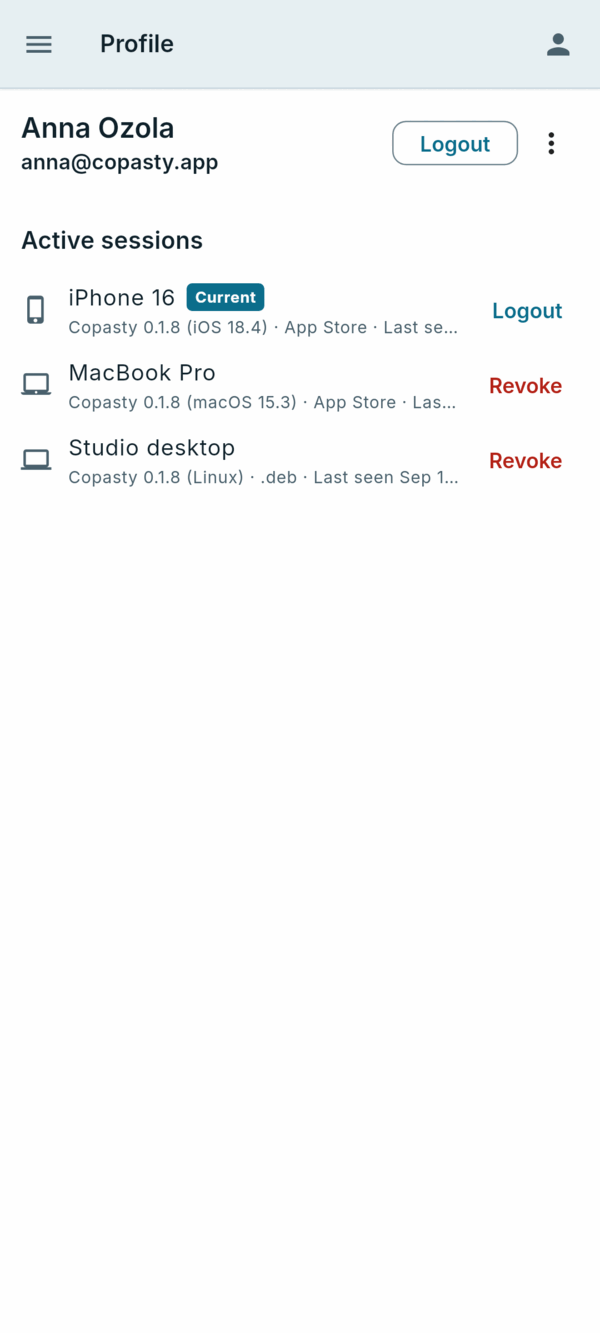
- Automatic clipboard syncing across all your signed-in devices
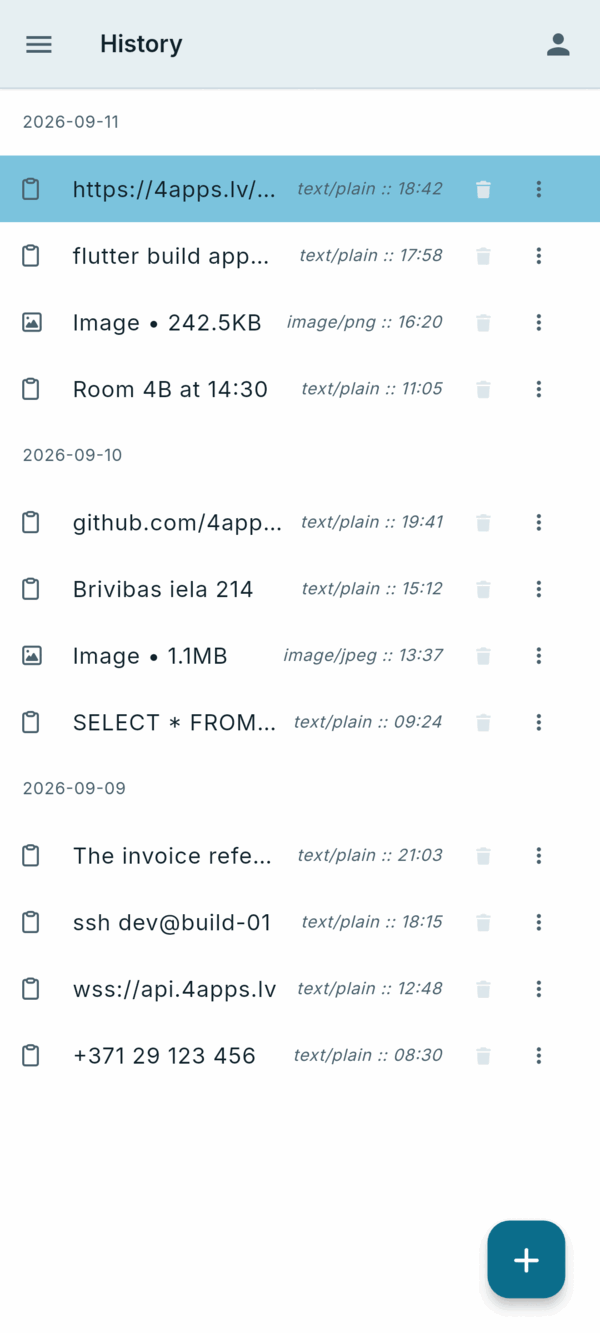
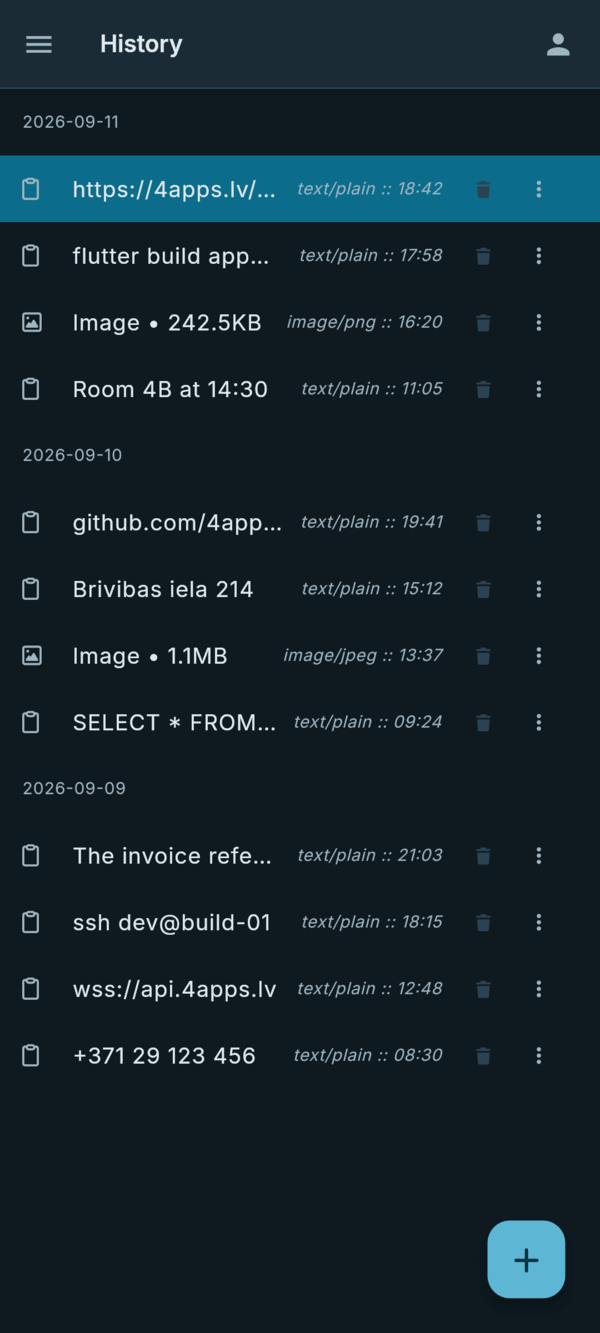
- Clipboard history — browse and reuse everything you copied
- End-to-end encrypted sync — your clipboard is unreadable on our servers
- Manually add items to the clipboard list
- No ads, no tracking
Install from the terminal
On Linux and macOS the installer picks the right build for your system, installs it, and prints exactly what it placed where. It asks whether to install for everyone or just you.
curl -fsSL https://4apps.lv/apps/copasty/install.sh | bash
Skip the question with an explicit choice, or remove an existing install:
curl -fsSL https://4apps.lv/apps/copasty/install.sh | bash -s -- --system
curl -fsSL https://4apps.lv/apps/copasty/install.sh | bash -s -- --uninstall
Terminal and SSH
Copasty also runs on machines with no display — servers, SSH sessions — as a terminal UI and a scriptable CLI. It is a full peer of the desktop app, not a thin remote client: when both are installed they share the clipboard history, database and encryption keys. Text copied over SSH lands in the clipboard of the machine you are sitting at.
curl -fsSL https://4apps.lv/apps/copasty/install_console.sh | bash
copasty login
Debian and Ubuntu get a .deb via apt; other Linux gets a tarball under
/usr/local. The installer takes the same options as the desktop one:
--user installs under ~/.local without root, --system is
the default, --uninstall removes it. copasty upgrade keeps it current.
Scriptable from the shell: copasty list (--json),
copasty get (--copy), copasty push (reads stdin),
copasty rm, copasty login/logout and
copasty doctor. A bare copasty opens the desktop app when there is a
display and the terminal UI otherwise.
Screenshots


Version History
Loading...